scoreio Notifications Center: Teams Learn Registration Statuses on Time
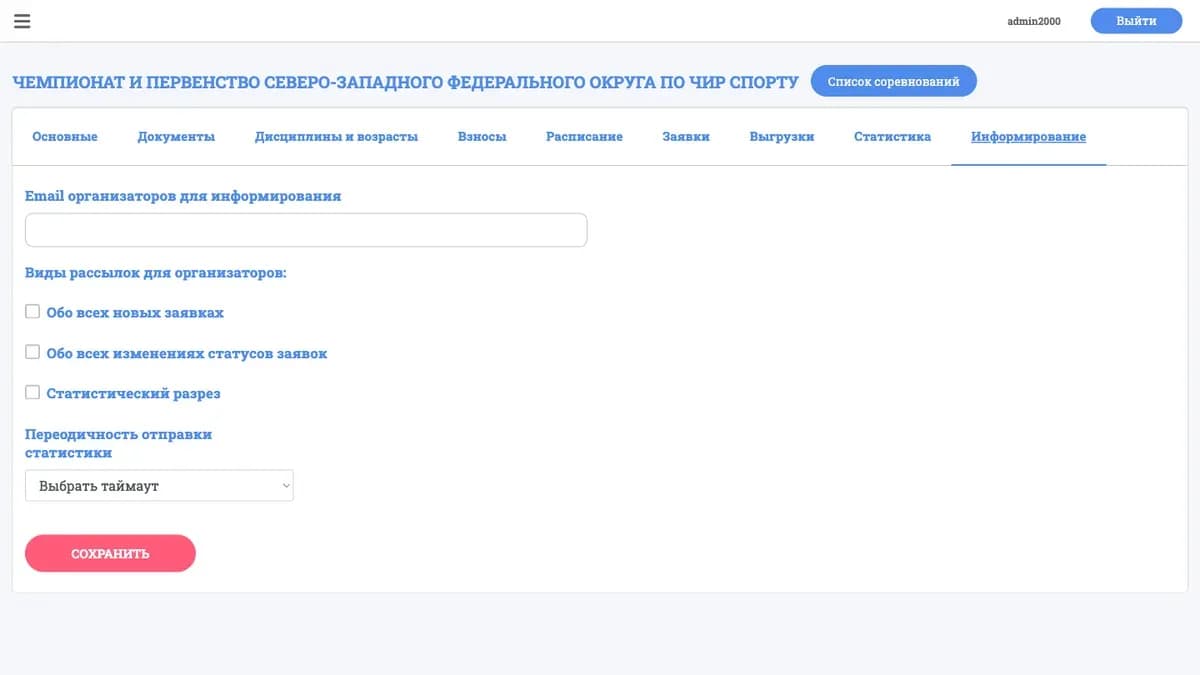
The most common question to any organizing committee's support sounds the same: "What's happening with our registration?" A team submits and then waits in silence. Approved? Rejected? Awaiting payment? Until someone gets an answer, they'll keep writing again and again. We closed that gap: scoreio now has a notifications center that automatically informs participants and coaches about changes to their registrations — with no manual messaging and no guessing.
How it used to be
Before the notifications center, communication ran on manual labor. The organizer changed a registration's status in the system and then opened email or a messenger themselves to write to the team: "your registration is approved," "data is missing," "we're waiting for the fee." With dozens of registrations, this becomes a half-day job in itself. With hundreds, some notifications inevitably get lost.
What happened next was predictable. Teams that weren't messaged started asking on their own. The flood of incoming messages grew, and every reply was the same: restating a status that was already set in the system. It became a vicious circle — the organizer spent time on manual mailouts, then spent more time answering everyone the mailout never reached.
The real pain here isn't the volume of messaging but its lack of system. The registration status lived inside the platform, but the participant couldn't see it. The information existed but never reached the person who needed it.
What changed

We built notifications right into the platform. Now scoreio itself generates an alert whenever something meaningful happens to a registration.
Registration status notifications
When a registration changes status — approved, sent back for revision, moved to another state — the participant and coach get a notification about it. They don't have to log in and check manually: the system reports the change on its own.
Change alerts
Notifications cover not only the final verdict but the intermediate events on a registration too. Any meaningful change is recorded and delivered to the team, so there's no information silence between "submitted" and "all set."
A single event feed
All notifications gather in one place inside the system. A participant sees the history of events on their registrations rather than digging fragments out of email and chats. This turns scattered messaging into a clear feed.
What this gives you

- Fewer support questions. Teams learn their status themselves and don't write "what's up with our registration?" — because the answer already reached them automatically.
- Zero manual mailouts. The organizer changes a status — the notification goes out by itself. No need to open email for each team separately.
- Timeliness. Participants react faster: they send missing data on time, prepare on time, don't miss what matters.
- Process transparency. A team sees that its registration is being processed rather than hanging in the unknown. That eases tension well before the start.
- A single channel. All events on a registration are in one place, not smeared across email, chats and calls.
Scenarios where this solves the problem
Mass intake before a big start. A week before registration closes, hundreds of submissions arrive. Before, each one needed a manual status reply. Now the organizer processes registrations while participants get notifications automatically — the flood of support questions doesn't grow with the number of teams.
A registration sent back for revision. A team forgot to attach data, and the registration has to be returned. Instead of a personal message to each one, the system itself notifies that a fix is required. The team sees it on time and corrects it before the deadline.
A coach running several teams. When a coach handles several squads at once, keeping every registration's status in their head is impossible. The notifications center gathers all events into one feed — the coach sees where everything is fine and where their attention is needed.
Frequently asked questions
Do notifications arrive automatically? Yes. When something meaningful happens to a registration — a status change, for example — the alert is generated and delivered to the participant without any manual action from the organizer.
Who receives notifications? The participants and coaches linked to a registration. Each sees events for their own teams.
Does the organizer need to send messages by hand? No. Just work with registrations as usual — participants get the change notifications themselves.
Where does a participant see notifications? Inside the system, in a single event feed for their registrations, rather than scattered across email and chats.
Does this help reduce the support load? Yes. When teams learn statuses on time, the flow of repetitive "what's up with the registration?" questions drops noticeably.
How to get started
The notifications center is about information no longer getting lost along the way. A registration's status is no longer the organizer's private knowledge: it reaches everyone it concerns on its own. This removes the chore of manual mailouts and at the same time makes the process transparent for teams.
The next logical step is to deliver those alerts where the participant will definitely see them. That's why we added Telegram notifications. And to make every status change documented as well, we introduced a registration status history.
Want teams to learn their registration statuses without manual messaging? Request a demo or a pilot run of scoreio — we'll show you how to set up automatic alerts and lighten the support load before the start.