Flexible Competition Schedule in scoreio: Timings, Mats and Flights
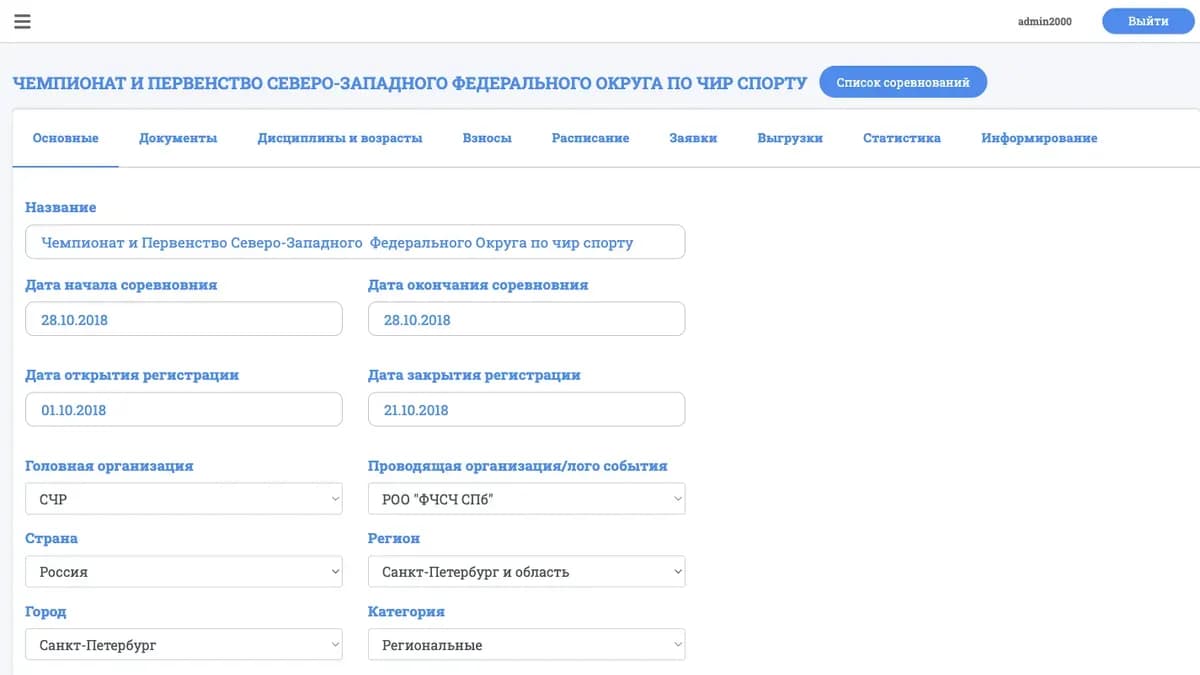
The bigger the event, the more every scheduling mistake costs. One block slips, and warm-up runs into the performance, coaches get nervous, judges sit idle, and spectators have no idea who is on next. Until recently the competition schedule lived apart from the registrations: in someone's spreadsheet, in several versions that had already drifted apart by the morning of day one. We fixed that. The schedule is now built right inside scoreio — with assignment across mats and flights and precise timing for every entry.
How it used to be
The classic setup looked like this: registrations in one place, the schedule in another. The organizer exported the list of teams, moved it into a spreadsheet and laid it out by time by hand: who performs, when, on which mat. Then came the painful part — keeping it in sync. A team withdrew, a new division was added, the running order changed — and the spreadsheet had to be redone, then re-sent to every coach.
By the start of the event, several "current" schedules were circulating, and none of them matched what was actually happening on the floor. Warm-up and run-through timings lived in someone's head or on a sticky note at the registration desk. Every "when do we go on?" turned into a small investigation.
The problem was not that spreadsheets are bad. The problem was that the schedule was disconnected from the registration data. It did not know which teams were actually registered and did not update along with them.
What changed

The schedule is now part of the competition itself inside scoreio. It is built on the same data as the registrations, so it always reflects the current line-up of participants.
Assignment across mats and floors
A competition can be split across several mats (floors) and run in parallel. Each performance is given a mat number where the team goes on. The organizer sees the load on each floor and distributes flights so no mat sits idle and none is overloaded.
Performance flights
Participants are grouped into flights — logical blocks of the program. This lets you manage the event in large pieces: split divisions and age groups into separate time windows, place breaks and ceremonies between flights, and keep the rhythm of the event under control.
Precise timing for every entry
A performance is given not a single point in time but a full set of timings:
- warm-up — when the team goes out to prepare;
- judges' run-through — the technical pass before scoring;
- performance — the moment of going on the mat;
- performance time — the length of the routine;
- mat number — exactly where it happens.
Together these build a clear grid: you can see what happens and when on each floor, with no gaps and no overlaps.
A single source for everyone
Because the schedule lives inside the platform, it is automatically available to coaches — they no longer have to wait for the next version of a file. And when needed, the schedule exports to an external document for printing, the registration desk, or an information board.
What this gives you

- One version of the truth. No more five drifting spreadsheets — there is one schedule, and it is always current.
- Less manual work. The schedule is built on registration data rather than copied by hand. The line-up changes — the schedule picks it up immediately.
- Transparency for coaches. Teams see their timings in advance: warm-up, run-through, entry. Fewer questions at the registration desk on event day.
- Floor load control. Assignment across mats and flights shows where things are tight and where there is spare time.
- Ready-made export. The schedule exports for printing and boards without retyping.
Scenarios where this solves the problem
A tournament on three mats at once. A large event with hundreds of entries cannot be run in a single line. You split the program across three floors, set the flights and timings, and every team gets a precise slot: mat two, warm-up at 10:40, on at 11:05. The registration desk and judges work from one grid.
A series with a tight schedule. When the day is planned to the minute, you need to see the whole picture at once. Flights help split age groups and divisions so transitions don't break the rhythm, and breaks and ceremonies land exactly where intended.
A last-minute change. A team withdraws the day before the start. Instead of redoing the spreadsheet, you simply adjust the schedule in the platform — and the update is immediately visible to coaches, with no new mailout and no version confusion.
Frequently asked questions
Is the schedule built automatically or by hand? You manage it yourself — assigning teams to mats, flights and timings. But you do it on current registration data inside the platform, not in a disconnected spreadsheet.
Do coaches see the schedule? Yes. Because it lives inside scoreio, coaches access their timings without a separate file mailout.
Can I run several mats in parallel? Yes. Each performance is given a mat number, and you distribute flights across floors while controlling the load on each.
Can I print the schedule or send it to a board? Yes, the schedule exports to an external document for printing and information screens.
What is included in a single performance's timing? Warm-up, judges' run-through, performance, routine length and mat number — a full set so there are no overlaps.
How to get started
A flexible schedule is the first step toward running the whole event in one place. Registrations, line-ups, timings and floors stop being scattered files and come together into a single picture of the event. From there that picture is enriched by participant notifications and transparent status tracking — so everyone knows what is happening and when they go on.
Once the schedule is ready, it makes sense for teams to learn about changes on time — see our notifications center. And to keep every registration status change transparent, we added a registration status history.
Want to build your competition schedule inside the platform? Request a demo or a pilot run of scoreio — we'll show you how to lay out an event across mats and flights and hand coaches precise timings without a single manual spreadsheet.